Free YouTube transcription — extract the text from your YouTube video
Paste the URL of a YouTube video or Short and instantly get the full transcript. Extracts native captions or generates with AI if missing.
Extract the transcript
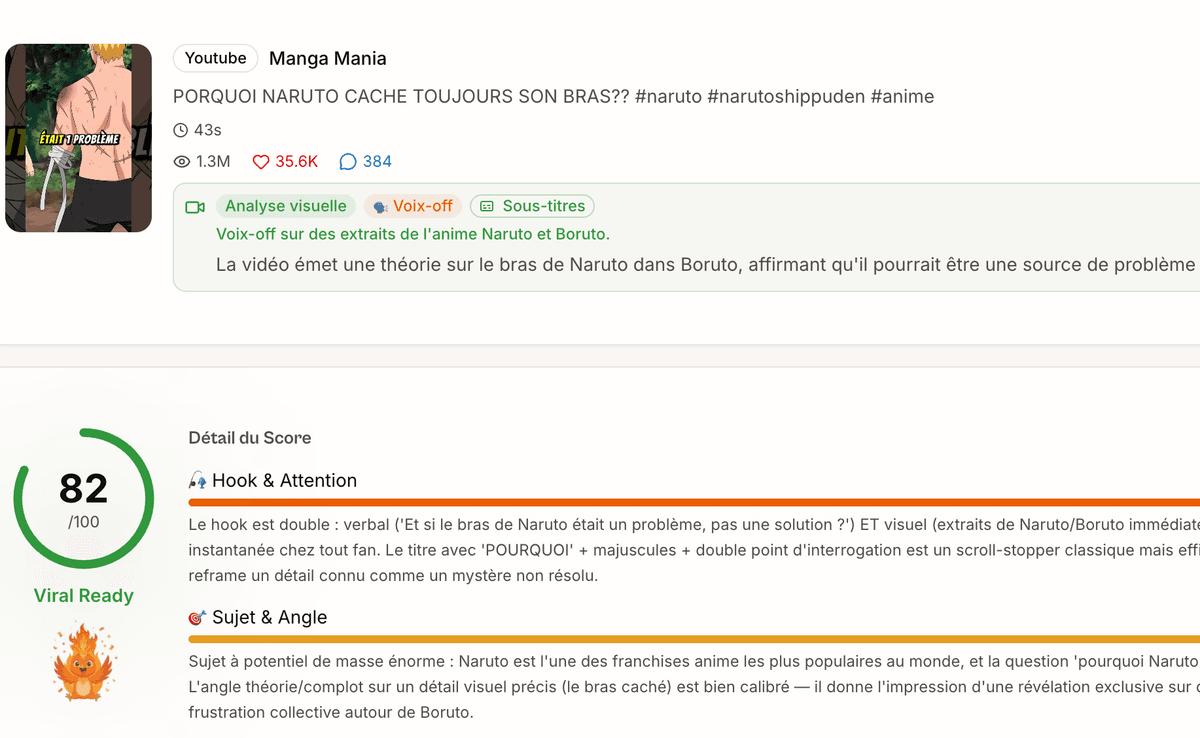
Analyse your videos in depth
Our AI analyses your videos and gives you personalised recommendations to improve your content.
Pro Video AnalysisWhy use our YouTube Video Transcription?
Subtitles + AI
Extraction of native YouTube subtitles, with AI transcription fallback.
Cached results
Transcriptions are stored for instant access on subsequent requests.
Shorts and long videos
Works for all YouTube formats, from 15 seconds to several hours.
Multilingual
Automatic language detection — English, French and main languages.
Other free YouTube tools
See allDiscover our other free tools to boost your presence on YouTube.
Related features
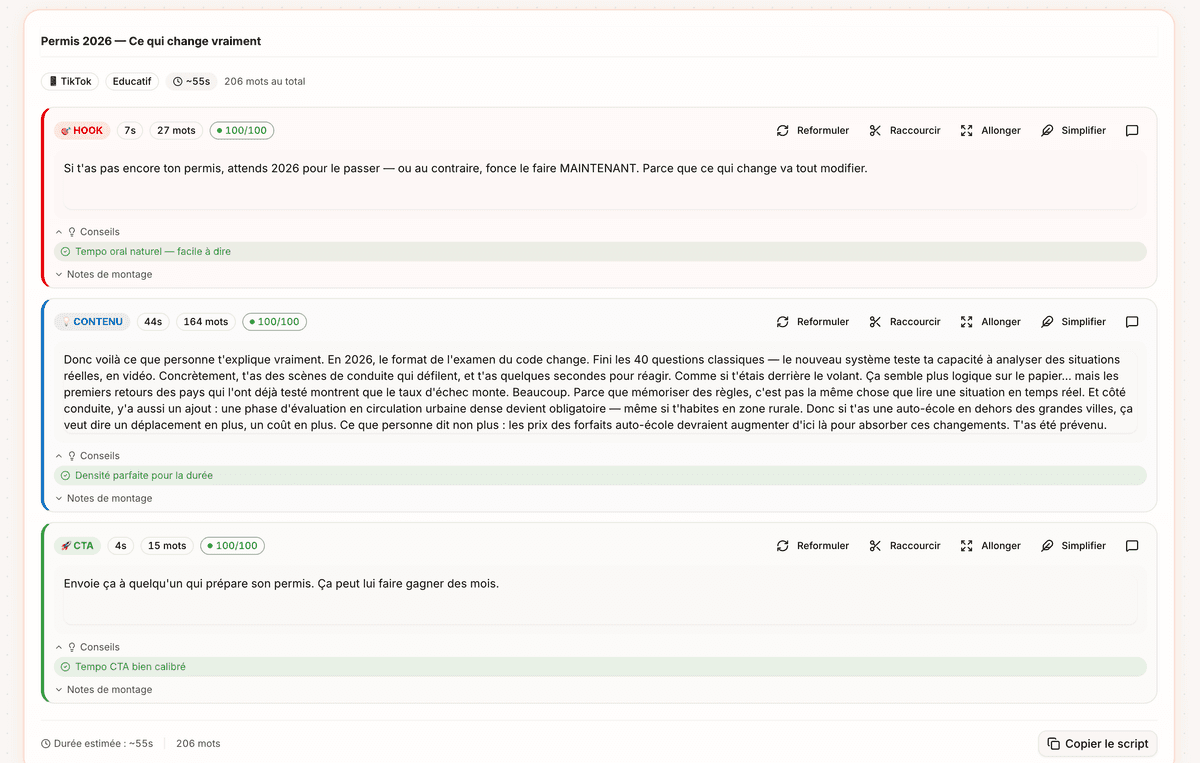
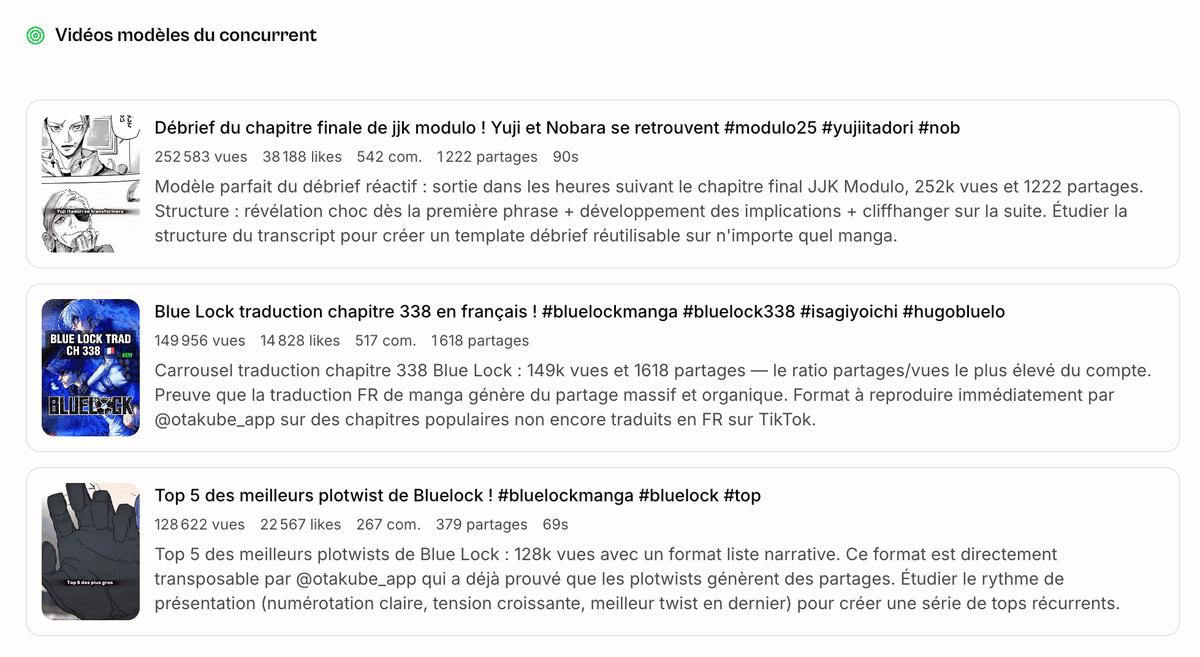
How do I extract a YouTube video's transcript?
YouTube transcription lets you get the full text of what's said in a video — whether it's a 60-second Short or an hour-long tutorial. Pulling a clean youtube transcript has become the zero-cost first step for creators, students, marketers, podcasters and anyone trying to squeeze useful text out of video content. Paste the URL, grab the transcript, do whatever you want with the text.
Transcribe a YouTube video to text to boost your Google SEO
Every YouTube video you publish contains untapped textual content. By transcribing your videos with Vervox, you recover a complete text that you can turn into a blog article optimised for Google SEO. This video-to-text recycling strategy lets you rank on both YouTube and Google, doubling your discoverability surface without creating additional content. Creators and businesses that use this technique capture organic traffic from two channels with a single production effort. The Vervox transcript gives you a solid writing base that you can enrich and structure into an optimised article in a few minutes.
YouTube transcripts in 2026: what changed (AI overviews, podcast formats, multilingual)
Three shifts in 2026 made a clean youtube transcript more valuable than ever. First : Google's AI Overviews and ChatGPT search now pull verbatim chunks of long-form YouTube content into their answers — but only when a clean text source is reachable, which is exactly what the Vervox transcript gives you. If you want your video quoted in an AI answer, you need the text indexable somewhere. Second : the explosion of long-form video podcasts (60 to 180 minutes) made watching everything impossible, so creators are using transcripts as the actual reading surface — skim the text first, then jump to the timestamp you care about. Third : multilingual content has gone mainstream — a single video now serves audiences in 5 to 10 languages, and the AI-generated transcript becomes the master copy you translate from, not the audio.
Save time on long videos thanks to automatic transcription
Watching an hour-long conference or a 45-minute video podcast to extract the key points is time-consuming. Vervox's YouTube transcription gives you the full text in seconds — you can then search by keyword, copy relevant passages and ignore the rest. It's a huge time-saver for students revising, marketers analysing competitor webinars, and creators who want to summarise long content into short format. Vervox's caching guarantees instant access to already-generated transcriptions, which makes the tool even faster for popular videos that multiple users transcribe.
Vervox YouTube transcript vs YouTube auto-captions, Otter.ai, Riverside
YouTube's own auto-captions are free but locked inside the platform — you can't grab the full text in one shot, the formatting is brutal, and switching to another language is a pain. Otter.ai and Riverside are great for live recordings but cost real money per month and aren't built for ingesting someone else's YouTube link. The Vervox transcript sits exactly in that gap : it pulls native YouTube subtitles when they exist (fastest, free), falls back to AI transcription from the audio when they don't, hands you the clean text in seconds, and stays free with no signup. Plus Vervox is a full creator suite — once you have the transcript text, the hashtag generator, the TikTok cross-poster and the analytics live in the same place.
Real use cases — podcast clipping, blog repurposing, study notes, language learning
The most useful thing you can do with a youtube transcript is feed it to ChatGPT or Claude with a prompt like "find the 5 most clippable moments with timestamps" — turning an 80-minute podcast into 5 short-form videos in 30 minutes. Blog repurposing is the next biggest use case : the transcript becomes the rough draft, you reshape the structure, and you publish a 1500-word article in an afternoon instead of a week. Students lift the transcript into Notion or Obsidian and treat it as searchable lecture notes. Language learners read the transcript in parallel while the video plays — faster than subtitles because you can pause, re-read, look up words. All of these workflows assume one thing : the text has to come out clean. That's the whole point of the Vervox YouTube transcript tool.
How does YouTube transcription work?
The Vervox tool uses a two-step approach. First, it looks for YouTube's native subtitles — those auto-generated by the platform or manually added by the creator. If subtitles exist, they are extracted instantly. If no subtitles are available, Vervox automatically switches to AI transcription, which analyses the video's audio to extract the spoken text. In both cases, you get a complete transcript in seconds.
Does it work with YouTube Shorts?
Yes — the tool transcribes YouTube Shorts exactly like long videos. Paste the Short URL (youtube.com/shorts/... or youtu.be/...) and transcription launches automatically. For Shorts, the tool first extracts YouTube's native subtitles (when they exist) — which gives an almost instant result. If the creator hasn't activated subtitles, AI generates the transcription from the audio.
Which languages are supported for YouTube transcription?
The tool first uses YouTube's native subtitles (available in the video's original language). If no subtitles exist, AI transcription takes over and supports English, French, Spanish, German, Portuguese and most common languages.
What is a YouTube transcript for?
The uses are numerous and varied. You can analyse a competitor's script to understand the structure of their performing videos — hook, build-up, call-to-action. You can recycle a video into a blog article, a LinkedIn post or a newsletter, using the transcript as a writing base. You can summarise the content of a long tutorial or a conference to extract the key points without re-watching everything. You can also create custom subtitles from the text transcribed by Vervox.
How accurate is YouTube transcription?
Vervox's YouTube transcription automatically detects the video's language and works in English, French and the main languages. YouTube's native subtitles generally offer good accuracy, especially when the voice is clear and without significant background noise. AI transcription is an excellent complement for videos without subtitles. Vervox also offers Instagram and TikTok video transcription with the same engine — perfect if you work across multiple platforms and want to centralise your transcripts and analyses in one place.
Does transcription work for long YouTube videos?
The same tool works for Shorts and long videos. For a Short, the transcript is short and you get it almost instantly. For a long video (30 minutes, 1 hour or more), transcription takes a bit more time but stays fast thanks to caching: once a video is transcribed, the result is stored and you access it instantly on subsequent requests.